Free for individual use on Mac, Windows, and iOS
Cloudless Voice
is
fast
dictation
that
runs
entirely
on
your
device.
No cloud
means
complete privacy
& no one
listening.
Speak
naturally
and
let
Smart Cleanup
do
the
rest.
All the
features
you
already
love
—
without the risks.
Smart Cleanup
Basic dictation just transcribes. Cloudless Voice makes it ready-to-send. Our custom-built local AI automatically polishes your transcript: filler words, formatting, punctuation. All without your voice ever leaving your Mac.
I've been, uh, working on a fix
Remove Filler Word
I've been working on a fix.
Let's sync at 9 am, no sorry, 10 am
Backtracking
Let's sync at 10 AM
send it to tim three three at example site dot com
Email Formatting
Send it to tim33@examplesite.com
hey do you mind rescheduling our meeting for three thirty pm
Time Formatting
Hey, do you mind rescheduling our meeting for 3:30 PM?
grocery list number one milk number two eggs number three bananas
List Formatting
Grocery list:
1. Milk
2. Eggs
3. Bananas
hello exclamation mark
Advanced Punctuation
Hello!
there are three hundred forty six issues
Number Formatting
There are 346 issues.


100% Local
Runs fully on-device
Most voice apps send your audio and transcripts to the cloud (remote servers) for processing. Cloudless Voice runs entirely locally, so your voice and data never leaves your device.
Complete privacy
Works offline
No remote AI training
Cloudless Voice is sure to get the tick of approval from your company. With fully local processing, and open-source code to verify, we provide security that surpasses cloud-based dictation tools like Wispr Flow.
Our Enterprise Plan is for teams and organizations looking to adopt private and secure AI dictation into their workflow.
Features
More reasons to love Cloudless

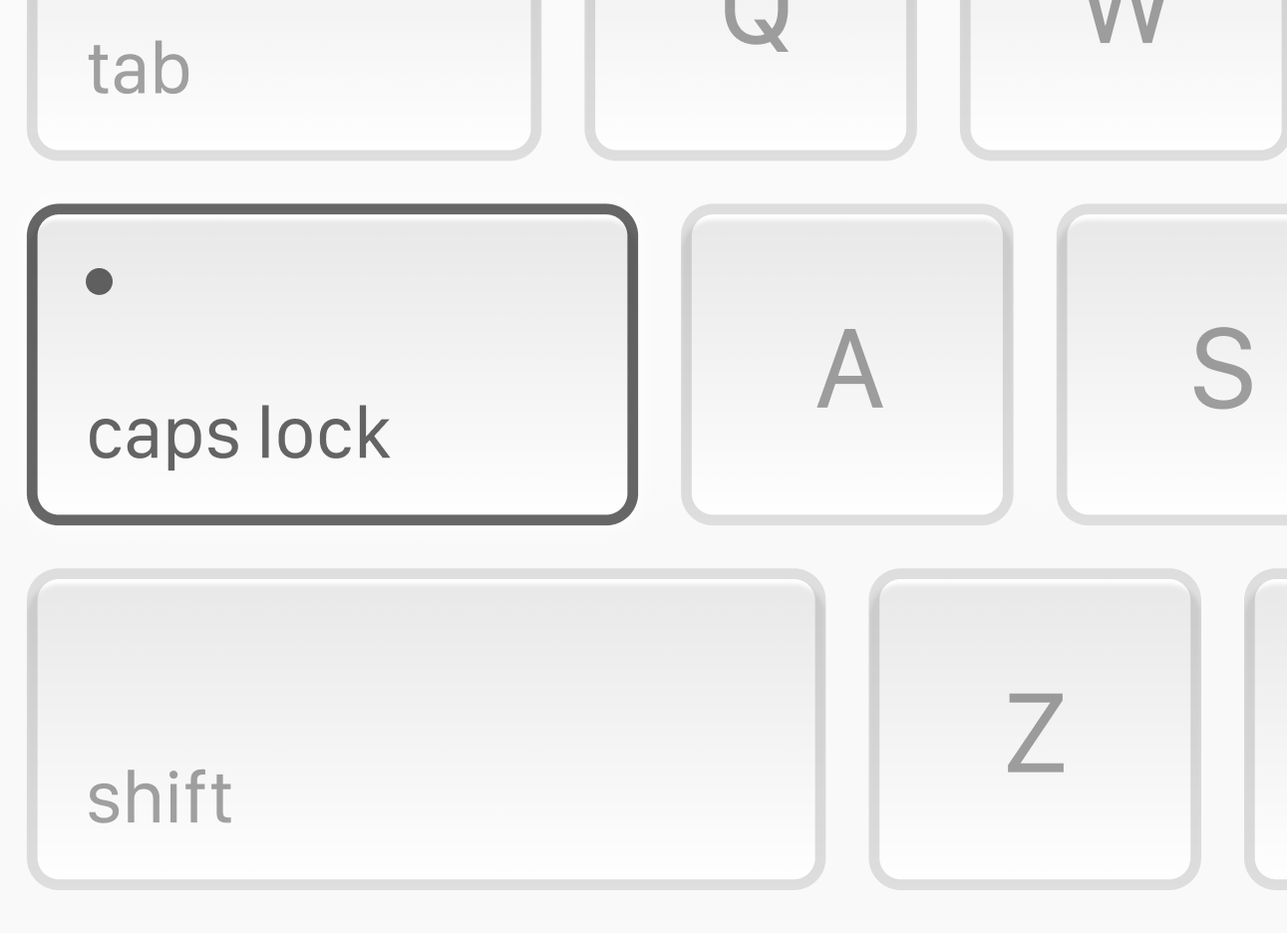
Hotkey activation
Press & hold Caps Lock (customizable) to dictate, or double-tap for handsfree mode.
Light / dark mode
Built to work with your setup
Works in all apps and sites
Insert transcripts into any text field
Transcript history
View and manage past transcripts
❤️
Wall of love
What people are saying
I love [Cloudless Voice] because it gets the job done extremely well. It’s a pleasure to use, and it gets updated often.

Kavia
I just paid for WF's 1 year plan and then I discovered your freaking software which is quite awesome local and it's very quick on my Macbook.
JP
Aubrey
I'm impressed with the desktop version so far. The main place I was considering installing this type of tool was indeed on my laptop as I have RRMS and sometimes need to take a break from typing or don't have the energy to some days.
CL
Catie Lake
Technical Dicrector
I just installed [Cloudless Voice] today, because I want to get away from wisprflow… and so far I am pretty happy with it."

Jens Kleinholz
you guys are GOATED for this.
been sick of hearing wispr flow on youtube ads, wished there was a FREE alternative - and BOOM, stumbled w/ [Cloudless Voice] on reddit
Z
Zey
Hey all! I wanted to say thank you for this great application. It works really good it's really blazing fast. I tried a lot of them as an alternative but this one really rocks!! Thank you again!

Waldemar
I wanted to express my gratitude for creating this app. I'm genuinely pleased and had a positive experience using it… I'm actually using the tool that you made to write this message.
WN
Wiktor Nowak
I've been using your app for quite a while now, and I think it's a fantastic replacement for Wispr.
KC
Krishna Chaudhari
Overall super impressed and have recommended it to my colleagues as well.
RI
Rahul Iyer
I was impressed today, when I saw it's not just english that it recognizes, but also German and French which is very convenient for me!
JP
Jan Pfrenger
The app is really good and fast omg
👀
Anonymous Dictator
FAQ
Can't find your question? Join our Discord 👾 to chat with the team.